
Dishwasher Control Panel Not Responding? Try These Fixes First
A dishwasher control panel not responding can be baffling — the machine looks powered on, but pressing buttons does nothing. No beeps, no lights, no response at all. Before assuming the worst and shopping for a replacement, there are several fixes worth trying. Many unresponsive control panels are caused by software glitches, lockout features, or […]
 5 min read
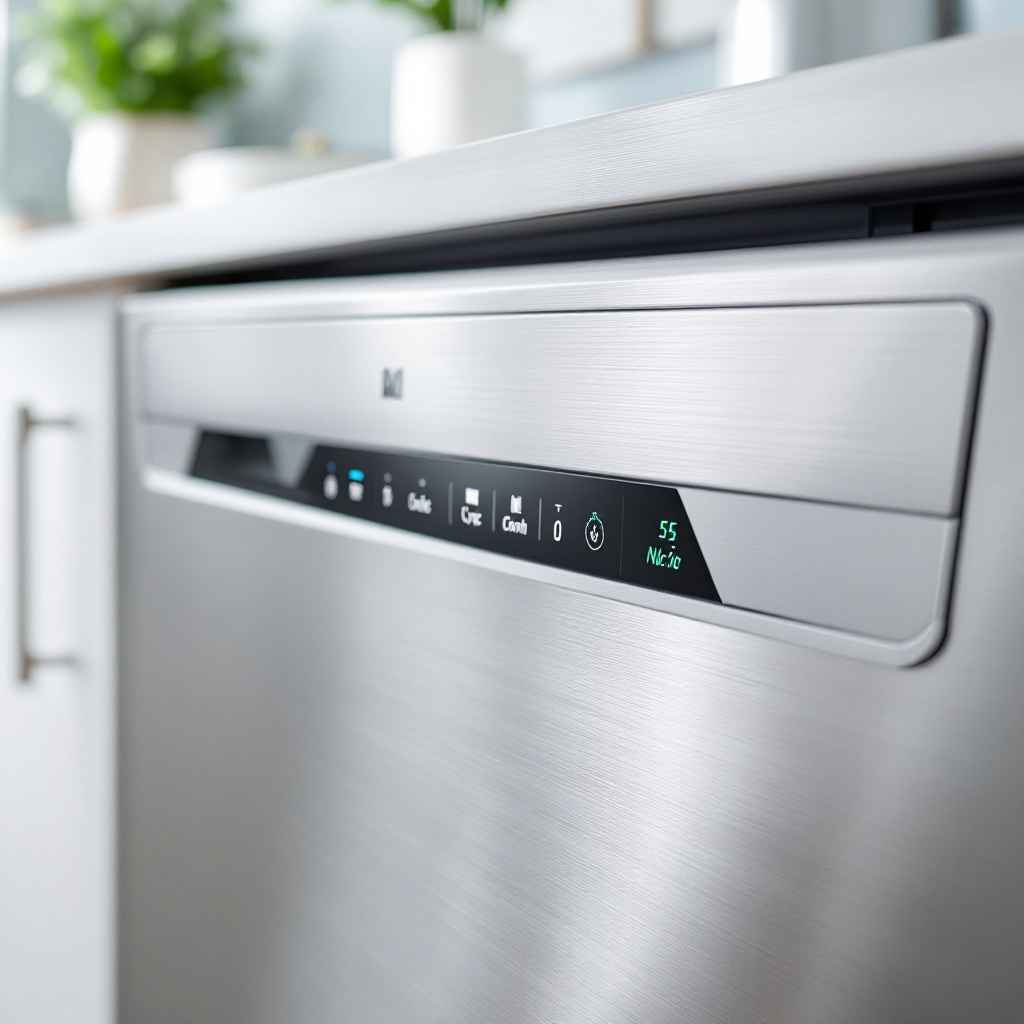
A dishwasher control panel not responding can be baffling — the machine looks powered on, but pressing buttons does nothing. No beeps, no lights, no response at all. Before assuming the worst and shopping for a replacement, there are several fixes worth trying. Many unresponsive control panels are caused by software glitches, lockout features, or simple connection issues rather than terminal hardware failure.
Step 1: Check for Child Lock or Control Lock
This is the most common “repair” we get called for. Virtually every modern dishwasher has a child lock or control lock feature that disables all buttons to prevent accidental starts. When active, pressing any button does nothing — the panel looks dead. The lock is usually activated and deactivated by holding a specific button (or combination of buttons) for 3–5 seconds. Look for a lock icon on your panel or check your manual for the exact button sequence. On many Bosch models it’s the “Lock” button; on Samsung it’s often holding the “Child Lock” button; on Whirlpool and Maytag it’s frequently “Heated Dry” held for 3 seconds.
Step 2: Perform a Hard Reset
Modern dishwashers run on microcontrollers that can get stuck in a fault state — similar to a computer that needs rebooting. A hard reset clears this:
- Open the circuit breaker panel and switch off the breaker for the dishwasher
- Wait 60 full seconds (not 5–10, a full minute)
- Switch the breaker back on
- Try the control panel
Alternatively, if you can reach the dishwasher’s power cord under the sink, unplug it for 60 seconds and replug. Our general guide on how to reset any appliance covers this process for all major brands with model-specific notes.
Step 3: Check the Door Latch and Switch
If the control panel lights up but won’t let you start a cycle, the door latch switch may be at fault. Dishwashers refuse to start — and some models disable the control panel partially — if they detect the door is open. Close the door firmly and listen for a solid click from the latch. If the latch feels loose or doesn’t click, a faulty door switch may be sending a “door open” signal to the control board even with the door physically closed.
Step 4: Check for Water or Moisture Damage
Dishwasher control panels are exposed to steam and splashes, and over time moisture can infiltrate the electronics. If your panel started acting unresponsive after a flooding event, a steam cleaning, or simply after years of use in a humid environment, moisture damage is a real possibility. Signs include certain buttons working while others don’t, or the panel flickering. Sometimes drying the area out for 24–48 hours restores function; other times the panel membrane or board needs replacement.
Step 5: Inspect the Ribbon Cable Connection
The control panel connects to the main control board via a ribbon cable. On some dishwasher models (particularly those with the control panel on the top edge of the door), this cable can work loose or develop a crack from the repeated flexing of the door opening and closing. Accessing it requires removing the inner door panel — not a huge job, but it does require a screwdriver and some care. A loose ribbon cable connection is an inexpensive fix if you can reach it; a cracked cable means ordering a replacement.
Step 6: Control Board or Panel Membrane Failure
If all the above checks come up clean, you’re likely dealing with a hardware failure — either the touch membrane panel itself (the overlay with the buttons) or the main control board that interprets the button presses.
- Touch membrane failure is more common on older machines (7+ years). The membrane is the printed plastic layer you press — individual buttons can fail while others work, or the whole panel stops registering input. Replacement membranes are available for most popular models and cost $30–$100.
- Control board failure is more expensive ($80–$250+ for the board plus labour) but less common. Signs pointing to the board rather than the membrane: the display works and shows the time or a cycle indicator, but no button inputs are processed at all.
Brand-Specific Notes
Bosch dishwashers occasionally show an unresponsive panel due to their “half load” setting activating unexpectedly — try holding the Start button for 3 seconds to cancel any active hold. Samsung dishwashers with touchscreen panels are more susceptible to moisture infiltration issues in humid climates. LG and Whirlpool models most often show unresponsive panels due to child lock being accidentally activated. Maytag and KitchenAid tend toward ribbon cable issues on older units where the cable has been flexed thousands of times.
When the Panel Needs Professional Service
If a hard reset and child-lock check don’t resolve the issue, and you’re not comfortable removing the inner door panel to inspect the ribbon cable, it’s worth having a technician take a look. Control board and membrane diagnosis requires either a wiring diagram for your specific model or experience with that brand’s common failure patterns. The dishwasher repair team at North Vancouver Appliances can quickly identify whether you need a $30 membrane or a $200 control board — that diagnosis alone prevents costly guesswork.
While you’re at it, if your dishwasher has been leaving a white film on glasses as well as having control issues, check our guide on dishwasher white film on glasses — detergent and water quality problems can sometimes cause residue that affects panel sensors on models with soil sensors integrated into the door.
Preventing Control Panel Issues
- Avoid spraying water directly at the control panel during kitchen cleanup — even “waterproof” panels have limits.
- Keep the panel area dry after steam cleaning the kitchen or using the self-clean oven setting nearby (steam migrates).
- Know your model’s child lock sequence — write it on a sticky note inside the cabinet nearby — to avoid panic next time it activates accidentally.
- Handle the door gently — slamming it can stress the ribbon cable connection over time.
Summary
A dishwasher control panel not responding is most often caused by child lock activation, a software freeze, a door switch fault, moisture ingress, or a loose ribbon cable — all fixable without replacing the machine. Work through the steps in order: child lock first, then hard reset, then door latch check, then internal inspection. Only if all those pass should you consider membrane or control board replacement, and a professional diagnosis makes that call much more reliable.