
Dishwasher Won’t Start? Step-by-Step Troubleshooting Guide
When your dishwasher won’t start — you press the cycle button and nothing happens, or it beeps but the cycle never begins — the cause is almost always one of a small set of identifiable issues. A dishwasher that has power (the display or lights work) but won’t begin a cycle is different from one […]
 4 min read
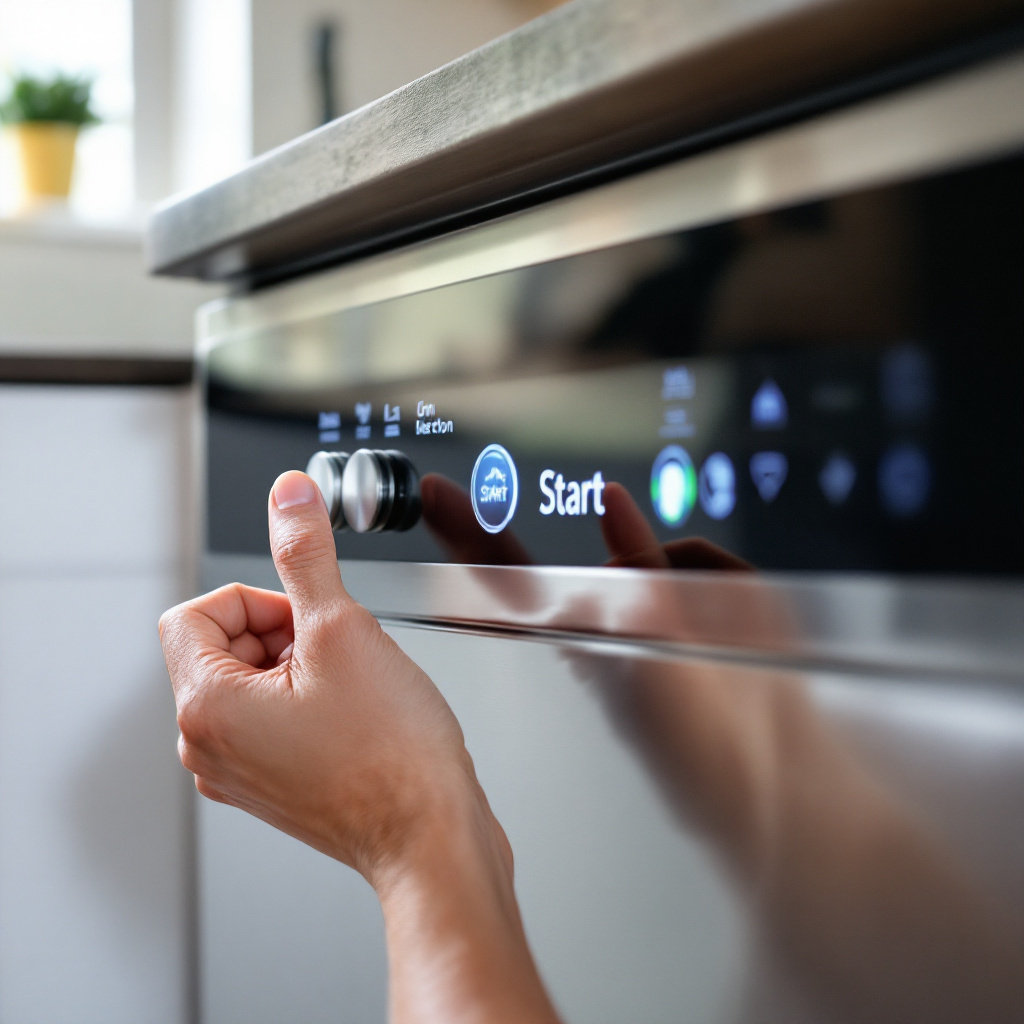
When your dishwasher won’t start — you press the cycle button and nothing happens, or it beeps but the cycle never begins — the cause is almost always one of a small set of identifiable issues. A dishwasher that has power (the display or lights work) but won’t begin a cycle is different from one that’s completely dead. Both are covered here.
Step 1: Check That the Door Is Fully Latched
Every dishwasher has a door safety interlock. The cycle cannot start unless the door is fully closed and the latch switch confirms it. This is the most common reason a dishwasher with a working display refuses to start.
- Close the door firmly — you should hear and feel a click as the latch engages.
- If the door closes but doesn’t click, the latch mechanism may be broken or misaligned.
- If the latch clicks but the machine still won’t start, the latch switch may have failed — it’s engaging mechanically but not making electrical contact.
Step 2: Check for a Control Lock or Child Lock
Many dishwashers have a control lock mode that disables all buttons to prevent accidental cycle starts. If this is active, pressing Start does nothing — the display may show a lock icon or “LOC.”
- Look for a lock icon on the control panel or in the display.
- To deactivate, hold the designated lock button for 3–5 seconds (varies by model — check your manual).
- On some models it’s a combination of two buttons held simultaneously.
Step 3: Check the Power Supply
If the display is completely dark and no lights respond, the dishwasher has no power.
- Check the circuit breaker — dishwashers are often on a dedicated 15A or 20A circuit that can trip.
- Check if the dishwasher is plugged into an outlet under the sink (some are) — this outlet may be on a switch that was accidentally turned off, or the outlet may have tripped its GFCI protection.
- Press the GFCI reset button on any outlet nearby if one is present.
Step 4: Perform a Hard Reset
Electronic control systems can lock up — particularly after a power interruption, a mid-cycle power outage, or after an error condition that wasn’t properly cleared. A reset often resolves these software-level freezes.
- Turn off the dishwasher’s circuit breaker (or unplug it) for 2–3 minutes.
- Restore power and try starting a new cycle from scratch — don’t attempt to resume a previous cycle.
- On some models there’s a specific reset sequence (holding two buttons simultaneously for several seconds) — check your manual.
- Our guide to resetting any appliance covers the reset procedure for all major dishwasher brands.
Step 5: Check for Error Codes
If the dishwasher is displaying a code or series of flashing lights rather than starting, it’s telling you why it won’t run. Common codes that prevent starting include water supply errors (no fill detected), drain errors (water from a previous cycle not fully drained), temperature errors, and door latch errors.
- Check for standing water in the bottom of the tub — water left from a previous incomplete cycle prevents a new cycle from starting on most models.
- Our appliance error code cheat sheet covers codes for all major dishwasher brands.
- If there’s standing water that won’t drain, our dishwasher not draining guide walks through the drain system diagnosis.
Step 6: Check the Water Supply
Most dishwashers will not start a cycle if they detect no water pressure during the initial fill phase. The machine begins filling, detects insufficient flow, then stops and may display an error.
- Confirm the water supply valve under the sink is fully open.
- Check the supply hose for kinks.
- Remove the supply hose from the dishwasher inlet and check the small mesh filter screen — sediment blockages here restrict flow significantly.
Step 7: Thermal Fuse or Control Board
If power is confirmed, the door latches, there are no error codes, and a reset doesn’t help — a blown thermal fuse or a failed control board may be preventing the machine from starting. The thermal fuse is a one-time safety device that blows if the machine overheats — once blown, it must be replaced.
- A blown thermal fuse can be tested with a multimeter — no continuity means it’s blown.
- Control board failure is less common but possible on older machines. A board that’s partially failed may prevent starting while keeping the display lit.
When to Call a Professional
Control lock deactivation, resets, and supply valve checks are DIY steps. Latch switch testing, thermal fuse replacement, and control board diagnosis are best handled by a technician.
North Vancouver Appliances handles dishwasher electrical and control issues across the North Shore. Visit our dishwasher repair page to book a service visit.